
A citation style guide for a course is a structured document that tells students exactly how to format, attribute, and list every source they use in academic work. Academic citation guidelines serve three core purposes: preventing plagiarism, enabling source location, and supporting argument credibility. Without a shared standard, students submit work in five different formats, instructors spend hours correcting inconsistencies, and the academic record becomes unreliable. When you create a citation style guide for a course, you remove that ambiguity entirely. Styles like APA, MLA, and Chicago each have distinct rules, and tools like Zotero and Mycitebuddy help students apply them accurately.
What should a course citation style guide include?
A well-built citation guide for students covers six non-negotiable elements. Miss any one of them and students will fill the gap with guesswork.
The core citation elements are author, date, title, and source or location. The MLA Style Center recommends the format: Author, A. A. (Year). Title [Description/Format]. Publisher/Site. URL. That structure works across most source types and gives students a reliable template to follow.

Beyond standard sources, your guide must address course-specific materials. Lecture slides, syllabi, handouts, and reading packs all need their own formatting rules. Students regularly cite these materials and find no guidance in official style manuals, so your guide fills that gap directly.
The guide should also distinguish between in-text citations and reference list entries. These are two separate tasks with different rules, and conflating them is one of the most common student errors. A clear guide shows both formats side by side for each source type.
-
Author and date: Always list the author’s surname first. Use the current year if the exact date is unknown.
-
Title formatting: Italicise book and journal titles. Use quotation marks for article and chapter titles.
-
Source location: Include a DOI or stable URL wherever possible. For print sources, include publisher name and city.
-
In-text citations: Show the author-date format (Smith, 2024) or the page-number format (Smith 47) depending on the style.
-
Reference list: List all cited sources alphabetically by author surname at the end of the document.
-
Course materials: Include a separate subsection for slides, handouts, and LMS content with worked examples.
Pro Tip: Add a one-page quick-reference sheet to your guide. Students use it during writing rather than searching through the full document.
Include a recommendation for citation management tools. Zotero is recommended for organisation and accuracy on research-intensive projects. Mycitebuddy also helps students retrieve supporting quotes directly from uploaded documents, which reduces the time spent hunting for sources manually.
How do APA, MLA, Chicago, and other styles compare?
The five most common academic citation styles are APA, MLA, Chicago, Turabian, and IEEE. Each serves a different discipline and uses a different method for attributing sources. Choosing the right one for your course is not arbitrary. It reflects the conventions of your field.
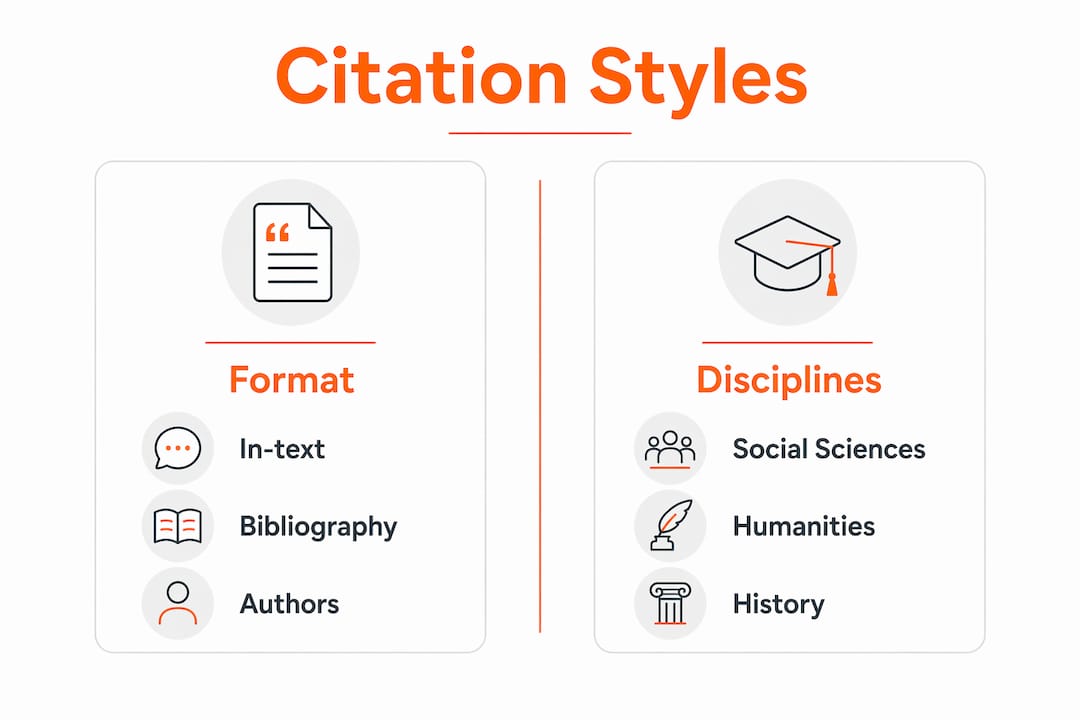
APA (American Psychological Association) is standard in psychology, education, and social sciences. It uses an author-date system in-text: (Smith, 2024). MLA (Modern Language Association) is standard in humanities and uses author-page: (Smith 47). Chicago offers two systems: notes-bibliography for humanities and author-date for sciences. Turabian is a simplified version of Chicago designed for student papers. IEEE (Institute of Electrical and Electronics Engineers) uses numbered references in brackets: [1].
Comparative tables help reduce student confusion and citation errors significantly. The table below shows how each style formats a journal article.
| Element | APA | MLA | Chicago (Notes) |
|---|---|---|---|
| In-text format | (Smith, 2024, p. 12) | (Smith 12) | Footnote: Smith, 12. |
| Author format | Smith, J. | Smith, John | John Smith |
| Title of article | No quotation marks | “Article Title” | “Article Title” |
| Journal title | Journal Name | Journal Name | Journal Name |
| Year position | After author | End of entry | End of entry |
| URL/DOI | Include DOI | Include URL | Include URL |
The most common errors students make are mixing styles within a single paper, omitting the DOI, and formatting author names incorrectly. Your guide should flag these errors explicitly with a “common mistakes” section showing the wrong format next to the correct one.
Pro Tip: If your course draws on both scientific and humanities sources, specify which style applies to which assignment type. One guide can cover multiple styles with clear labelling.
For course materials specifically, APA is the most detailed in its guidance. The MLA Style Center also provides worked examples for slides and handouts. Whichever style you adopt, your guide should include at least one worked example for every source type students will encounter in your course.
How should you cite internal course materials and private communications?
Internal course materials present unique challenges because official style manuals rarely address them in full. The rules below apply across APA, MLA, and Chicago unless your institution specifies otherwise.
-
Identify the author. For course slides or handouts, the instructor is the author. If no author is listed, treat the instructor as author and use the current year if the date is unknown. For course packs, treat the instructor as editor.
-
Format the title. Use the actual title of the document if one exists. If no title exists, write a brief description in square brackets, for example: [Lecture slides on research methods].
-
Include the platform. For materials hosted on Blackboard, Canvas, or Google Classroom, name the platform as the source. For LMS materials behind a login, provide the base login URL rather than the deep link. This tells readers where the material lives even if they cannot access it directly.
-
Handle personal communications carefully. Lectures, conversations with instructors, and private emails are cited in-text only and do not appear in the reference list. The reason is straightforward: readers cannot retrieve them independently, so listing them as references serves no purpose.
-
Apply the plagiarism rule. When uncertain whether to cite, always include the citation. Academic honesty requires erring on the side of attribution, not omission.
A worked example for a Canvas lecture slide in APA format looks like this:
Patel, R. (2025). Introduction to qualitative methods [Lecture slides]. Canvas. https://canvas.institution.edu
Pro Tip: Create a separate one-page annex in your guide dedicated entirely to course material citations. Students encounter these sources most frequently, yet they receive the least coverage in standard style manuals.
The plagiarism risk with internal materials is higher than students expect. A student who paraphrases a lecture without attribution is still plagiarising, even if the source is unpublished. Your guide should state this explicitly.
What tools help students and educators maintain citation accuracy?
Citation management tools fall into two categories: reference managers and citation generators. Both have genuine uses and genuine limitations.
Reference managers like Zotero store, organise, and format citations automatically. Zotero integrates with Microsoft Word and Google Docs, so students can insert citations while writing without switching applications. The limitation is that Zotero relies on metadata from the source database, and that metadata is sometimes incomplete or incorrectly formatted.
Citation generators like BibMe and EasyBib produce formatted references from a URL or ISBN. They are fast, but automated citations must be verified against the official style manual before submission. Errors in automated output are common, particularly with author name formatting and punctuation.
-
Zotero: Best for research-intensive projects. Free, open-source, and integrates with word processors.
-
BibMe: Good for quick single citations. Covers APA, MLA, Chicago, and Turabian.
-
EasyBib: Similar to BibMe. Useful for students new to citation formatting.
-
Grammarly: Checks grammar and writing clarity but also flags citation inconsistencies in some versions.
-
Mycitebuddy: Allows students to search across uploaded documents and published articles to retrieve exact supporting quotes, which reduces the time spent locating sources during writing.
Educators should include a tool recommendation section in the course citation guide. Specify which tools are approved, which require verification, and whether automated citations are acceptable for submission. This removes ambiguity and sets a clear standard for academic work.
The most important rule for any tool is this: the tool assists, it does not replace, the student’s responsibility to check accuracy. A citation that is formatted incorrectly because a generator made an error is still the student’s error.
Key takeaways
A well-structured course citation guide reduces student errors, supports academic integrity, and removes the ambiguity that leads to inconsistent referencing across submitted work.
| Point | Details |
|---|---|
| Define the guide’s purpose | State clearly that the guide prevents plagiarism, enables source location, and supports argument credibility. |
| Cover all source types | Include worked examples for books, articles, websites, and course-specific materials like slides and LMS content. |
| Use a comparison table | Show APA, MLA, and Chicago side by side so students can see formatting differences at a glance. |
| Address internal materials | Specify how to cite lectures, handouts, and LMS content, including how to handle missing author or date information. |
| Recommend verified tools | List approved citation tools like Zotero and Mycitebuddy, and state that automated output must be checked against the official manual. |
Why most citation guides fail students before they even start
Most course citation guides I have seen fail at the same point: they reproduce the official style manual in miniature rather than addressing the sources students actually use. A guide that explains how to cite a peer-reviewed journal article in APA is useful. A guide that says nothing about how to cite a Canvas lecture slide is not.
The guides that work are the ones built from the bottom up. Start with the sources your students will actually encounter in your course. List those first. Then add the standard source types. That ordering reflects how students read and use the guide during an assignment, not how style manuals are organised for reference librarians.
Inclusive citation is the other area most guides ignore entirely. Promoting diverse scholarly voices in citation practice counteracts the historic marginalisation of certain academic voices. A citation guide can actively encourage students to seek out and cite authors from underrepresented groups. That is not a political statement. It is good scholarship.
The technology argument also matters. Zotero and Mycitebuddy do not replace careful citation practice. They reduce the mechanical burden so students can focus on the intellectual work. A guide that integrates tool recommendations alongside manual examples gives students both the safety net and the understanding to use it correctly.
The best citation guides are short, specific, and full of worked examples. If yours runs to more than four pages, it is probably covering too much ground for a single course. Trim it to what your students need, and they will actually use it.
— ravindu
How Mycitebuddy supports your citation workflow
Citation accuracy matters from the first draft, not just at submission. Mycitebuddy is built for students and educators who want to spend less time hunting for quotes and more time writing.
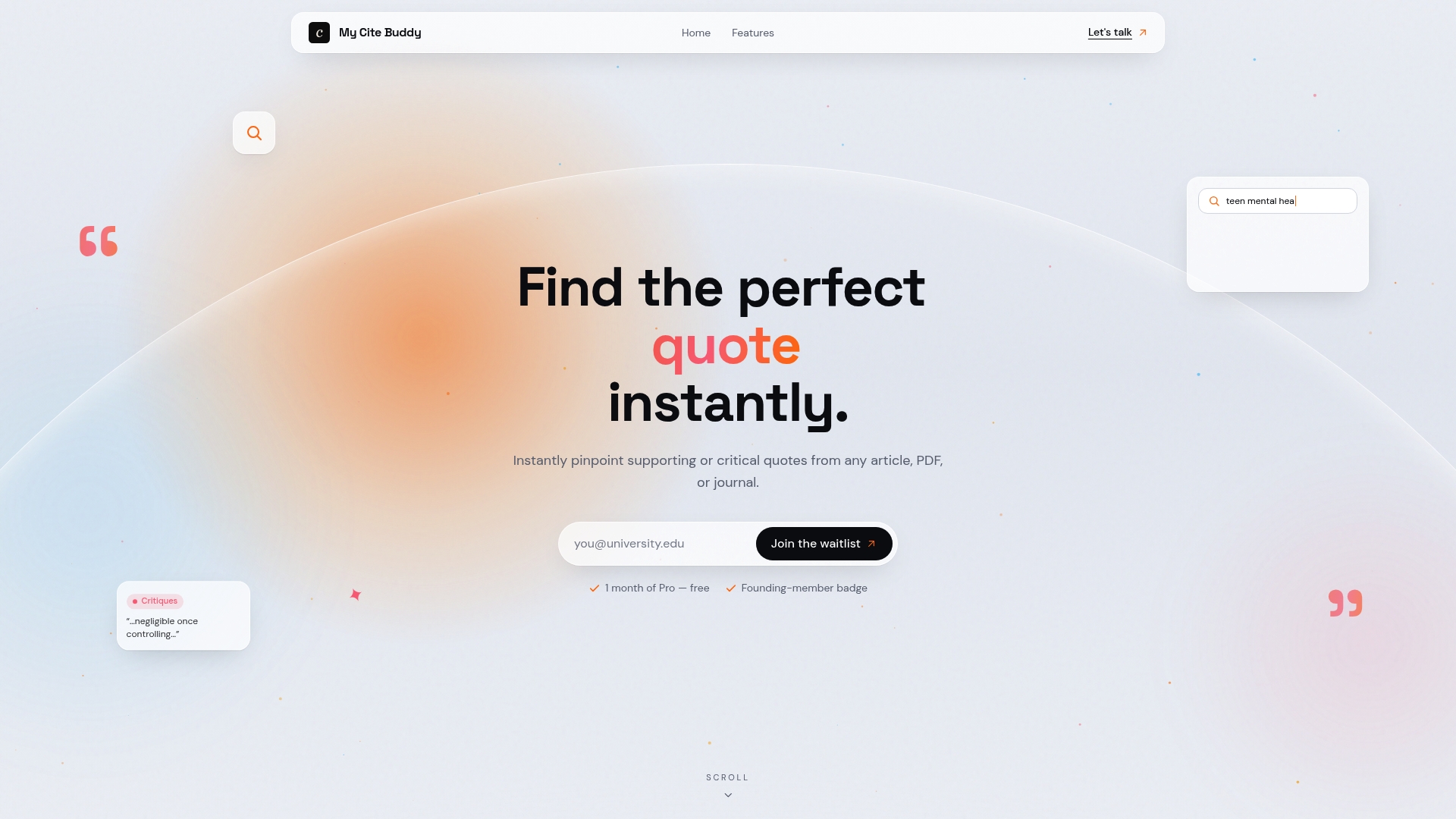
With My Cite Buddy, which is coming soon, you can search across any published article or your own uploaded documents to retrieve exact supporting quotes in seconds. You can organise sources by project, upload personal readings, and verify that every citation in your work is traceable to a real source. For educators building a course citation guide, Mycitebuddy provides a practical demonstration of how citation tools work in a real writing context. Visit Mycitebuddy to see how it fits into your academic workflow and join the waitlist!
FAQ
What is a citation style guide for a course?
A citation style guide for a course is a document that specifies which citation format students must use and provides worked examples for every source type they will encounter. It removes ambiguity and sets a consistent standard for academic referencing.
Which citation style should I choose for my course?
APA is standard in social sciences and education, MLA in humanities, and Chicago in history and some arts disciplines. Choose the style that matches your discipline’s conventions and specify it clearly in your course materials.
How do you cite a lecture or course slide?
Cite the instructor as author, use the current year, describe the format in square brackets, and name the platform as the source. Personal communications like lectures appear in-text only and are not listed in the reference list.
How do you handle missing information in course material citations?
Treat the instructor as author if no author is listed, and use the current year if the date is unknown. For untitled materials, write a brief description in square brackets in place of the title.
Should students use citation generators for course assignments?
Citation generators like BibMe and Zotero are useful starting points, but automated citations require verification against the official style manual before submission. Errors in automated output are common and remain the student’s responsibility to correct.