Citation tools for essays are software applications that automate the creation and formatting of bibliographies, in-text references, and footnotes in academic styles such as APA, MLA, Chicago, and Harvard. The best tools go further than simple formatting. They verify metadata against authoritative databases, support dozens of citation styles, and integrate directly into your writing workflow. Whether you are a first-year undergraduate or a doctoral researcher, choosing the right reference management tool saves hours and prevents the kind of formatting errors that cost marks. This guide covers the key selection criteria, a ranked list of ten tools, and clear recommendations for different project types.
What makes the best citation tools for essays?
The defining feature of a high-quality citation tool is accuracy. Basic free generators format whatever text you paste into them, with no verification. The best tools check your source metadata against live databases such as CrossRef, PubMed, and IEEE Xplore to catch errors before they reach your bibliography. Live verification prevents hallucinated or incomplete citations that simpler tools routinely produce.
Beyond accuracy, five criteria separate good tools from great ones:
- Style coverage. Your tool must support every style your institution requires. APA 7th edition, MLA 9th edition, Chicago 17th edition, Harvard, and IEEE are the most common. Some tools support hundreds of styles; others cover only three or four.
- Ease of use. A browser extension that captures source data from any webpage in one click is far more practical than a tool that requires manual data entry for every field.
- Integration. Tools that plug into Microsoft Word, Google Docs, or Overleaf let you insert citations without switching windows. That matters when you are writing under deadline pressure.
- Cost and access. Free citation tools exist across the market but vary widely in accuracy and feature depth. Most serious researchers find that a paid tier with DOI verification and plagiarism checking is worth the cost for long projects.
- Privacy. Cloud-based tools send your documents and source data to external servers. If you are working with sensitive research, a locally processed tool is the safer choice.
Pro Tip: Always check whether your institution's library provides free access to premium citation management software. Many universities licence Zotero or similar tools at no cost to enrolled students.
Top 10 citation tools for essays

Top tools in this category include Zotero, Ibid, StudyTexter, Scribbr, Grammarly, MyBib, QuillBot, Citation Machine, Textero, and Evernote's citation generator. Each serves a different type of researcher.
1. Zotero
Zotero is the gold standard for citation management software among academic researchers. It is free, open-source, and stores your entire reference library locally on your device. The browser extension captures source data from journal pages, library catalogues, and news sites in a single click. Zotero syncs across devices, integrates with Word and Google Docs, and supports thousands of citation styles. For any project longer than a single essay, it is the most dependable free option available.
2. Ibid
Ibid is a browser-based citation manager built for privacy-conscious researchers. It runs entirely locally using Rust and WebAssembly, which means no data ever leaves your device. Ibid supports over 2,600 citation styles and works offline. That combination of breadth and privacy is rare. Researchers handling sensitive data or working in environments with strict data governance rules will find Ibid particularly well suited to their needs.
3. StudyTexter
StudyTexter is an AI-powered citation generator that verifies DOIs against authoritative academic databases before producing a reference. That verification step is what separates it from basic formatters. StudyTexter also drafts full academic papers around your bibliography, with pricing ranging from $39 for shorter papers to $249 for longer documents of up to 200 pages. It is best suited to researchers who need both citation accuracy and writing assistance in one place.
4. Scribbr
Scribbr is a well-established academic writing platform with a citation generator covering APA, MLA, Chicago, and Harvard. Its generator is free for basic use, and the platform also offers plagiarism checking and professional proofreading services. Scribbr's citation tool is particularly strong for students who need APA citation tools, as its APA 7th edition output is consistently reliable. The interface is clean and requires no account to use for quick citations.
5. Grammarly
Grammarly is best known as a writing assistant, but its citation generator handles APA, MLA, and Chicago formatting competently. The tool is integrated directly into the Grammarly editor, which means you can check grammar, style, and citations in the same window. For students who already use Grammarly for proofreading, the built-in citation feature removes the need for a separate tool. The free tier covers basic citation formatting; the premium plan adds deeper style suggestions.
6. MyBib
MyBib is a free online citation generator that covers APA, MLA, Chicago, Harvard, and over 9,000 other styles. It requires no account and produces formatted references from URLs, DOIs, ISBNs, and manual entry. MyBib is one of the most accessible automated bibliography creators available, and its output quality is consistently above average for a free tool. It does not offer DOI verification against live databases, so manual checking remains necessary for journal articles.
7. QuillBot
QuillBot is primarily a paraphrasing tool, but its citation generator is a genuinely useful addition. It supports APA, MLA, and Chicago, and generates references from URLs and DOIs quickly. QuillBot's strength is its integration with its own writing suite, which includes a grammar checker and summariser. Students who use QuillBot for paraphrasing will find the citation tool a natural complement to their existing workflow.
8. Citation Machine
Citation Machine is one of the longest-established online citation tools, with support for APA, MLA, Chicago, and dozens of other styles. The free version generates citations but displays advertising; the premium tier removes ads and adds a plagiarism checker. Citation Machine is reliable for straightforward source types such as books, websites, and journal articles. Its interface is slightly dated compared to newer tools, but the output accuracy is solid for standard citation formats.
9. Textero
Textero is an AI writing assistant with a built-in citation generator. It is designed for students who want to generate essay drafts and references simultaneously. The citation component supports APA and MLA and pulls metadata from DOIs and URLs. Textero is a reasonable choice for students who need a quick first draft with citations included, though its reference output should always be verified manually before submission.
10. Evernote
Evernote is a note-taking application rather than a dedicated citation manager, but its web clipper and tagging system make it a practical tool for collecting and organising sources during the research phase. Researchers who use Evernote can clip full articles, annotate them, and tag them by project. It does not generate formatted citations automatically, so it works best as a research organisation layer alongside a dedicated citation tool such as Zotero.
Comparing citation tools: features, styles, pricing, and privacy
The table below summarises the ten tools across the criteria that matter most to students and researchers.
| Tool | Styles supported | Pricing | Key feature | Privacy |
|---|---|---|---|---|
| Zotero | 9,000+ | Free | Full reference manager, Word/Docs integration | Local storage |
| Ibid | 2,600+ | Free | Fully local processing, offline use | Local only |
| StudyTexter | APA, MLA, Chicago, Harvard | $39–$249 | DOI verification, paper drafting | Cloud-based |
| Scribbr | APA, MLA, Chicago, Harvard | Free / paid tiers | Plagiarism checking, professional editing | Cloud-based |
| Grammarly | APA, MLA, Chicago | Free / premium | Integrated grammar and citation checking | Cloud-based |
| MyBib | 9,000+ | Free | No account required, fast URL capture | Cloud-based |
| QuillBot | APA, MLA, Chicago | Free / premium | Integrated paraphrasing suite | Cloud-based |
| Citation Machine | APA, MLA, Chicago, 50+ | Free / premium | Established tool, plagiarism add-on | Cloud-based |
| Textero | APA, MLA | Paid | AI essay drafting with citations | Cloud-based |
| Evernote | None (organiser only) | Free / paid | Research clipping and tagging | Cloud-based |
Which citation tool suits your project?
Matching your tool to your project type is the single most practical decision you can make before starting any research task. University library guides consistently recommend simpler tools for quick assignments and full managers for ongoing research, specifically to prevent formatting drift and data loss over time.
For quick, one-off citations: MyBib or Scribbr are the fastest options. Both require no account, accept URLs and DOIs, and produce clean output in seconds. They are ideal for a short essay with five or six sources.
For long-term research projects: Zotero is the clear recommendation. It maintains a permanent reference database, integrates with Word and Google Docs, and prevents the formatting inconsistencies that accumulate when you manage dozens of sources manually. No single free generator handles the full complexity of a long research project as reliably as a dedicated manager.
For privacy-conscious researchers: Ibid processes everything locally. No source data, no document content, and no personal information reaches an external server. That matters for researchers working with unpublished data or commercially sensitive material.
For AI-assisted writing: StudyTexter combines DOI verification against trusted databases with full paper drafting. It is the strongest option when you need both accurate references and a structured first draft.
Pro Tip: Regardless of which tool you use, always verify citations manually against the original source before submitting. Even the best automated tools occasionally misread metadata from poorly formatted journal pages.
Key takeaways
The most effective approach to citation management combines a dedicated reference manager for long projects, a quick generator for short tasks, and manual verification for every source regardless of tool.
| Point | Details |
|---|---|
| Accuracy requires verification | Tools that check DOIs against CrossRef or PubMed produce far fewer errors than basic formatters. |
| Match tool to project size | Use MyBib or Scribbr for quick essays; use Zotero for ongoing research to prevent formatting drift. |
| Privacy is a real consideration | Ibid processes all citations locally, making it the right choice for sensitive or unpublished research. |
| Manual checking is non-negotiable | Experts consistently recommend verifying every citation against the original metadata before submission. |
| Free tools have real limits | Basic free generators lack live verification and deep integration, which matters on complex projects. |
Why I think most students pick the wrong citation tool
Most students choose a citation tool based on whichever one appears first in a search result. That is a poor basis for a decision that affects every piece of academic work you produce. I have watched researchers spend hours correcting bibliography errors that a better tool would have caught automatically, and I have seen students lose marks on otherwise strong essays because their citation formatter did not support the correct edition of their required style.
The shift worth paying attention to in 2026 is the move from formatting tools to verification tools. A formatter takes what you give it and arranges it correctly. A verification tool checks whether what you gave it is accurate in the first place. That distinction matters enormously when you are citing a journal article and the DOI you copied from a database resolves to a different version of the paper than the one you read.
My honest recommendation is to use Zotero as your primary reference manager for any project with more than ten sources, and to treat everything else as a supplement. If privacy is a concern, Ibid is the only tool I would trust unconditionally. For researchers who want AI assistance with both citations and drafting, StudyTexter's verification approach is the most credible option currently available.
The one habit that no tool replaces is reading your citations before you submit. Automation reduces errors. It does not eliminate them.
— Ravi
My Cite Buddy: join the waitlist for smarter citation search
Students and researchers who spend hours hunting for the right quote to support an argument know exactly how much time that process wastes. My Cite Buddy is a forthcoming citation and quote retrieval platform built to solve that specific problem.
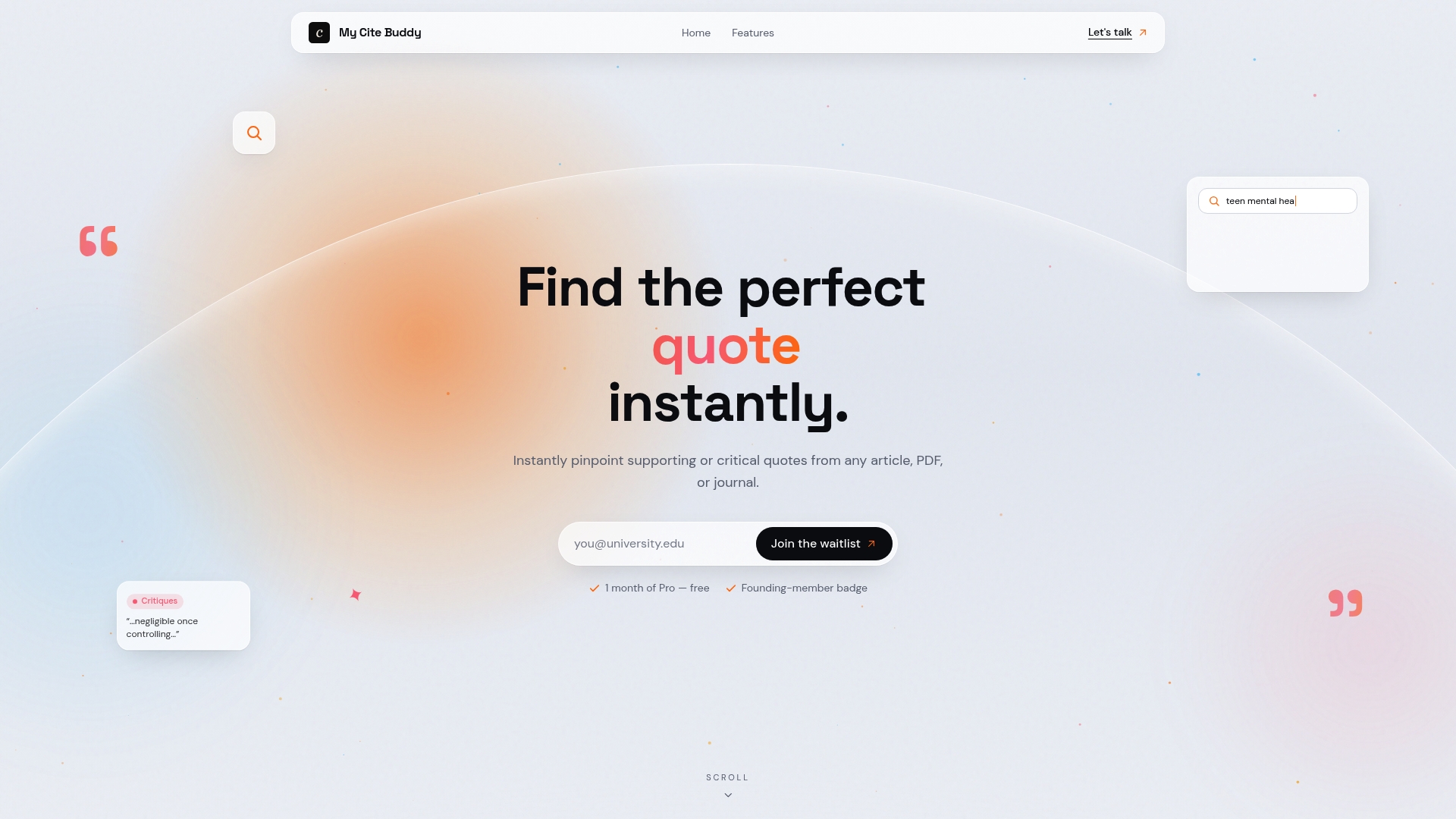
Unlike standard reference managers, My Cite Buddy lets you search across published articles and your own uploaded documents to retrieve supporting or critical quotes instantly. You can organise sources by project, upload your own readings, and find the exact passage you need without rereading entire papers. My Cite Buddy is not live yet. Join the waitlist at mycitebuddy.com to get early access when it launches.
FAQ
What are citation tools for essays?
Citation tools for essays are software applications that format bibliographies and in-text references in academic styles such as APA, MLA, Chicago, and Harvard. The best tools also verify source metadata against databases like CrossRef to reduce errors.
Which free citation tool is most accurate?
Zotero is the most accurate free citation manager for ongoing research, as it maintains a permanent reference database and integrates with Word and Google Docs. MyBib is the strongest free option for quick, one-off citations.
Do APA citation tools support the 7th edition?
Scribbr and Zotero both support APA 7th edition reliably. Always confirm which edition your institution requires before generating your bibliography, as APA 6th and 7th editions differ in several formatting rules.
Is it safe to use cloud-based citation tools?
Cloud-based tools send your source data to external servers, which carries a small privacy risk. Researchers working with sensitive or unpublished material should use Ibid, which processes all citations locally and sends no data externally.
Do I still need to check citations manually if I use a citation generator?
Yes. Experts consistently recommend verifying every citation against the original source metadata, regardless of which tool you use. Automated tools reduce errors but do not eliminate them, particularly for sources with incomplete or inconsistent metadata.